Keep the possibilities
in view.
Try the workspaces, follow an inquiry and explore what connected software could do. These are illustrative examples. Booking, CRM and other integrations are separate from the receptionist offer.
Life happens.
Keep things moving.
A ringing phone. An after-hours booking. A new project inquiry. Explore how connected software can turn each one into a clear next step.
A busy shop.
A call that matters.
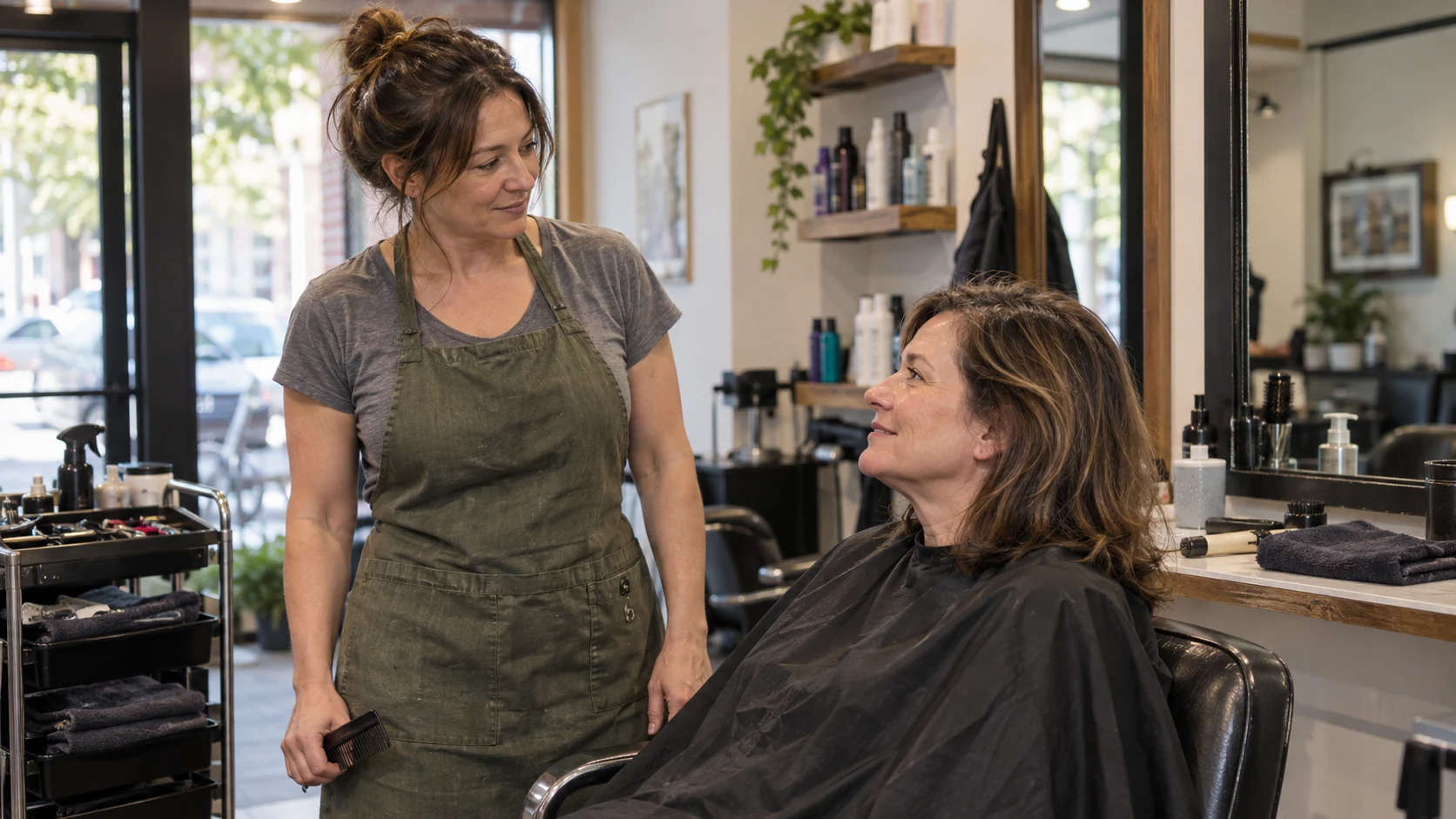
The owner is juggling staff and deliveries. Maya is at home with a broken AC and two hot, restless children. She needs help today.
“Our AC is broken. Can someone come today?”
A booked job. A ready team.
Elliot captures the urgency and confirms 3 PM. The owner gets the details needed to send the crew.
Film chapters & the full story
Illustrative scenario · Sample appointment and customer details.
Read the story
An HVAC owner is juggling staff, deliveries, and a ringing phone. At home, Maya is hot and upset because the AC is broken and her children need help. Elliot, the AI receptionist, answers her call, offers an available 3 PM appointment, and confirms it with her. He flags the job as urgent and captures the details. When the owner checks his system, the appointment is already booked. He reviews the urgency and sends his team the job information so they can get rolling. Abacoa Digital: You do the work. We connect the rest.
Tomorrow · 2:30 PM · Reminder scheduled
Explore this recordExplore the completed example, or play the workflow step by step.
The details.
Already together.
The call, the customer record and the next step, connected in one workspace. Your team gets the context. You decide how to help.
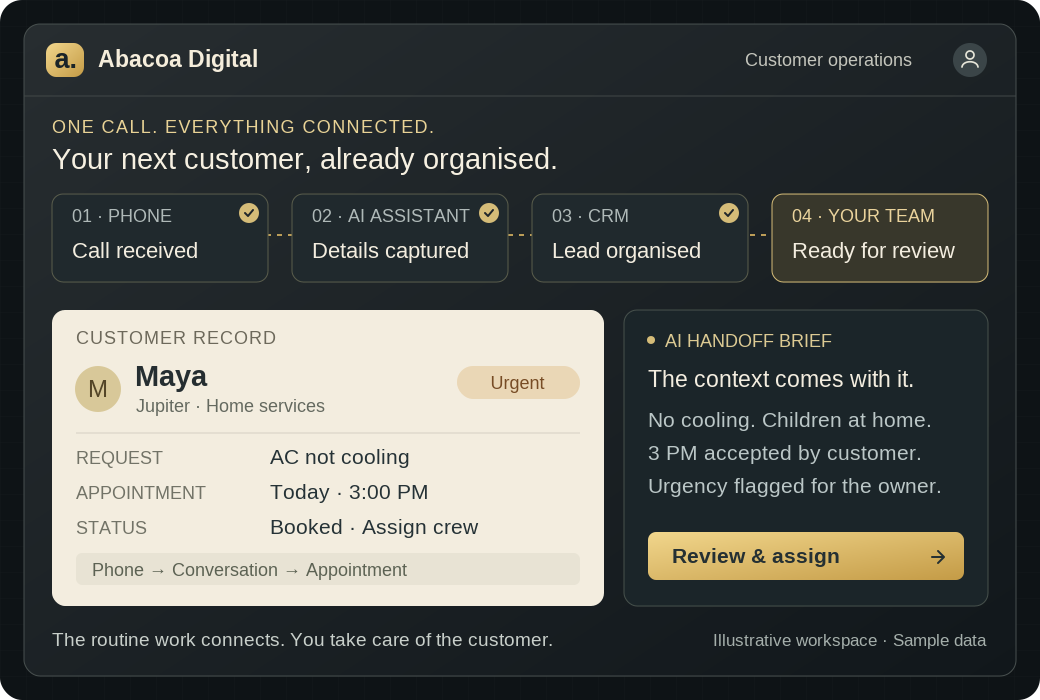
One call. The full picture.
Explore a business intake example
In this separate example, a business asks Abacoa for help. Change the inquiry to see how its assessment and suggested reply change.
- 01 Read inquiry
- 02 Assess intent
- 03 Suggest next step
- 04 Draft reply
The work
OutputReady for an inquiry
See what changes.
Run the example to turn this inquiry into a lead assessment and a response draft.
- Name
- Service
- Budget
- Timeline
Reply draft
Ready for reviewAn inquiry.
Across the tools you know.
Explore an inquiry across six connected tools
The work between the apps.
Follow one inquiry from an email to the information your team needs. The tools can look familiar. The connection is what changes the day.
A website inquiry from Sam
The request for a second-location website connects to a lead row, customer record, team brief, project tasks and reporting.
Keep the tools that work for you. Let Abacoa Digital connect the missing handoffs.
Connect our workflowExplore the systems behind these connections
Custom CRM
Bring the customer record, conversations and activity into a workspace built around the team’s actual day.
The busywork moves.
Your people move forward.
Follow one call through the connections. An AI receptionist handles the intake. Your software organizes the details. Your people bring the judgment, care, and expertise.
Scroll through the story
Maya's AC has stopped working. The owner is already helping someone else. Her call can still reach a helpful first answer.
The AI receptionist answers, captures the problem and callback details, and identifies urgency using the business's rules.
The conversation becomes a customer record and a useful brief in the owner's workspace. No copying notes between systems.
The owner prioritizes the job. The technician diagnoses the fault. Your team spends more attention on customers, relationships, and skilled work.
- Call
- AI answers
- Lead
- People
Maya needs AC help.
Home services · Jupiter, Florida
“Our AC is broken. Can someone help today?”
Elliot picks up.
“I can help with that. Where is the property, and what's the best number to reach you?”
“We're in Jupiter. It's getting really hot, and my kids are home.”
Customer workspace
+1 new leadAC is not cooling. Children are at home. Needs help today. Customer and callback details are together for the team.
Next step: owner reviews and assigns the job.
Less admin. More human.
The details are ready. Your team brings the expertise.
Start with the call. Connect the rest.
A useful first system can handle selected overflow calls and give your team a brief they can act on. Build the next connection around the work you actually do.
Illustrative workflow. We agree on routing, scope, price and the human handoff before building. CRM connections, booking and custom integrations are scoped separately.
Your systems.
Working together.
The customer conversation. The lead record. The next action. Software that puts the information where your people can use it.
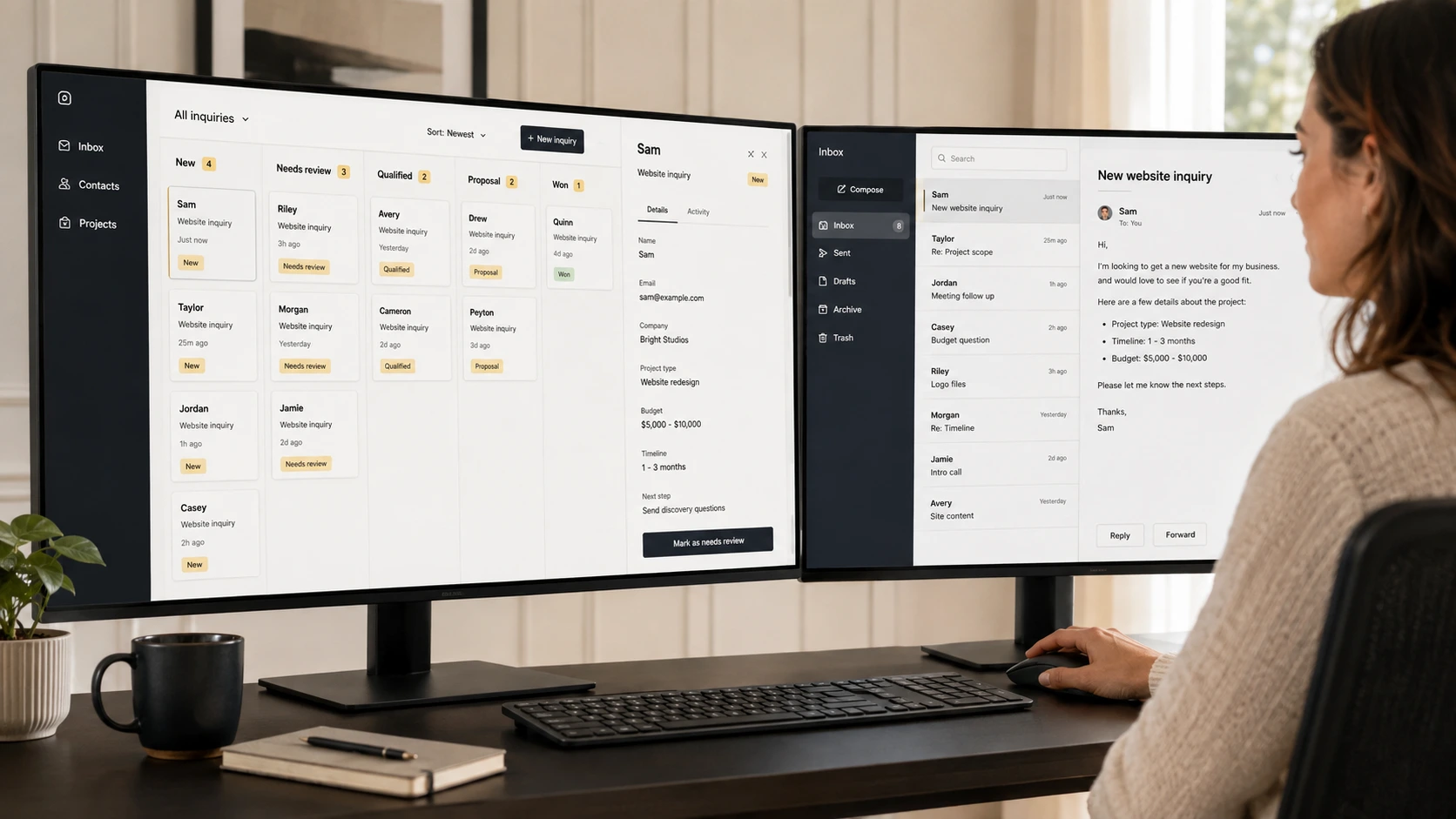
Every conversation, in context.
An inquiry arrives with the customer’s question and the details your team needs.
02The right information, together.
A customer record brings the request, its history and the next step into view.
03A clear place to act.
The team sees what needs review and what should happen after it.
Start with one win.
Build toward what’s next.
A shared lead tracker. A clear project board. The tools your team knows, connected to the next step. Choose a starting point to explore how the work could come together.
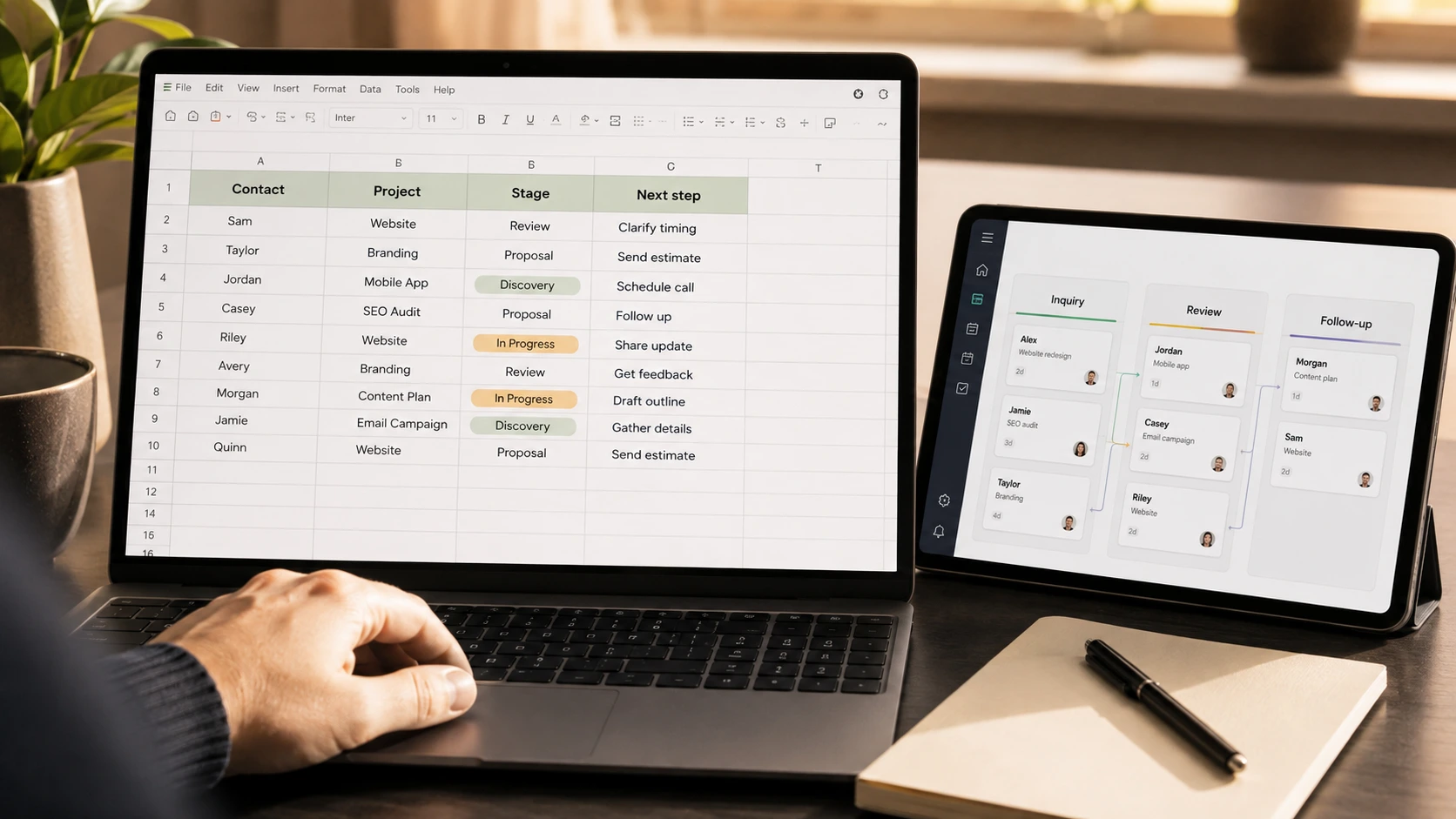
Give every caller a clear next step.
Start at the phone. Add the connections that make the conversation useful to the rest of your business.
- Start here
Capture the call
Answer common questions and collect the customer’s need, contact details and urgency.
- Connect next
Connect the follow-through
Link the call brief to a customer record, available appointments and a team notification.
- Build toward
Improve with evidence
Review call outcomes and unresolved requests to refine how the assistant helps.
An example direction. Your priorities, existing tools and agreed scope shape the actual build.
Your team, working with ours.
Abacoa Digital brings the design, software and AI work together. Mike leads the project with you, keeping the build connected to the people who will use it.
Built around how you work.
Keep the tools that serve you well. Connect the missing handoffs and build the software your team needs to move forward.
Room to change your mind.
Start with a clear scope, review working software and make the next decision with what you’ve learned. The system can grow with the business.
Your website can
start the conversation.
A helpful assistant can guide a visitor, answer a common question and gather the context your team needs. Try a short example, then explore what would make it useful for your business.
Guided chat example · No live agent or booking